

Blitzl Blast for College Campuses. One Tap. Parents Know.
For decades, standard blue light panic button kiosks have provided visible peace of mind on college grounds. But emergencies don't wait until your student is standing outdoors next to a pole.
Traditional campus blue light stations are sparsely located, fixed outdoors along specific walkways, and completely unreachable from inside dorms, libraries, lecture halls, or off-campus housing.
Campus Safety That Follows Your Student Everywhere
Blitzl Blast works in conjunction with existing campus emergency infrastructure—giving your student a portable, personal safety device that works both indoors and outdoors, anywhere they go.
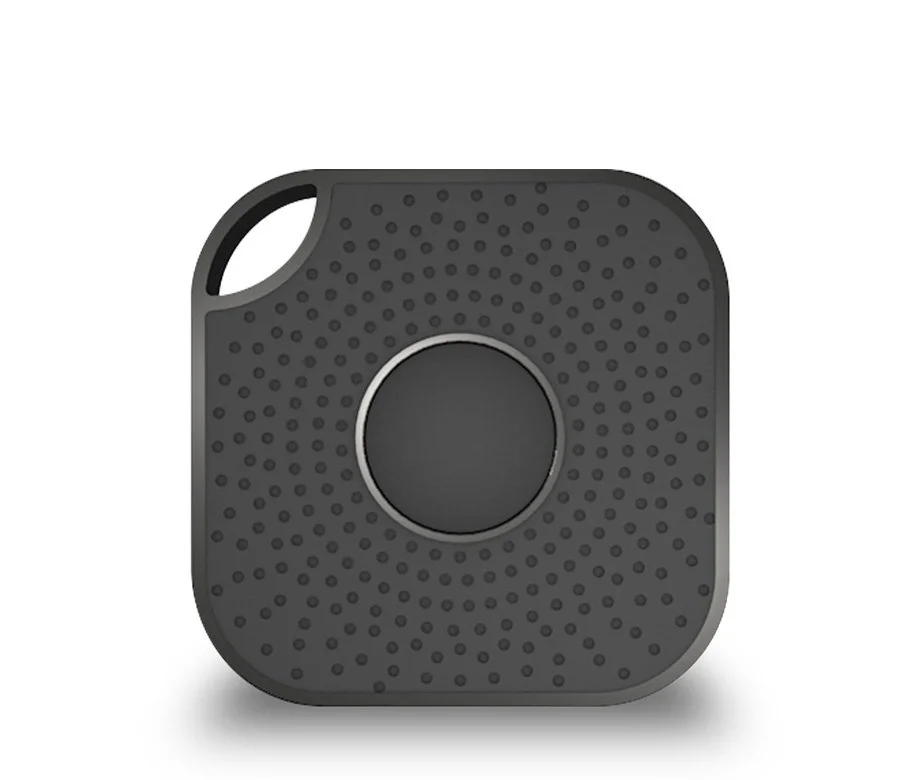
Enjoy a Blitzl subscription for one year including the convenient, compact Blitzer sensor with Blast button. Works with Blitzl app available on the App Store or Google Play Store.

Enjoy a Blitzl subscription for one year including the IP67 Blitzer sensor with Long Range. Works with Blitzl app available on the App Store or Google Play Store.
Key Features of Blitzl Blast for College Students
100% Mobile & Wearable: Attaches easily to a keychain, backpack, or lanyard so help is always within reach without searching for a static campus kiosk.
Indoor & Outdoor Coverage: Unlike traditional emergency poles, Blitzl Blast functions inside dormitories, multi-story academic buildings, dining halls, and parking structures.
Direct Parent & Guardian Alerts: When pressed, Blitzl Blast immediately sends an emergency notification directly to parents, family members, and designated contacts—keeping you instantly informed during critical moments.
GPS & Sensor Context: Sends your student's smartphone GPS coordinates along with telemetry from up to 3 nearby Blitzer sensors to provide immediate spatial and location context within multi-building or multi-level campus environments.
Discreet & Screen-Free: A tactile button designed for instant physical access, allowing students to trigger emergency alerts silently without needing to unlock or interact with a smartphone screen.



How the Blitzl Blast Safety Network Works
The Wearable Blast Button: Compact, durable hardware that gives students immediate physical access to trigger default messaging.
Fixed & Mobile Blitzer Network: Combines GPS and sensor infrastructure to pinpoint location within complex campus environments.
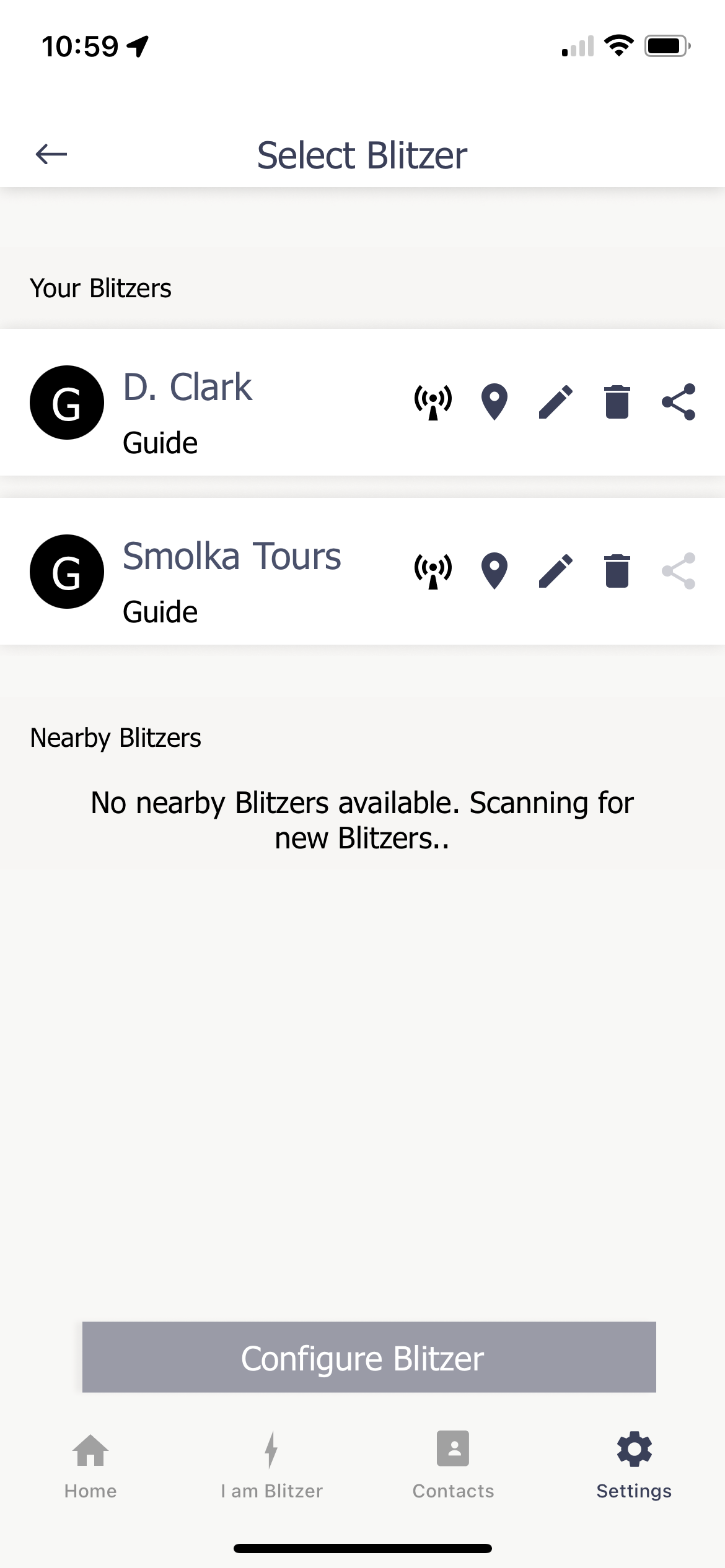
Smart Companion App: Runs on your student's smartphone to route alerts, GPS coordinates, and nearby sensor data to parents, guardians, and chosen emergency lists instantly.


Or scan this QR Code to get the App from the Apple App or Google Play Store

Frequently Asked Questions
How does Blitzl Blast complement existing campus blue light kiosks?
While campus blue light stations alert university police on specific walkways, Blitzl Blast ensures parents and personal safety networks receive immediate notification and location context anywhere—including inside dorms, classrooms, and off-campus locations where blue light poles do not exist.
Who receives the emergency notification when the button is pressed?
Through the Blitzl Blast mobile application, a contact list—including parents, guardians, or trusted friends— can be set up to determine who will receive instant notifications and messages simultaneously.
Does Blitzl Blast require a monthly subscription?
Subscriptions include the necessary hardware and access to the Blitzl software platform for message routing and location positioning. Subscriptions are available directly from the Blitzl Store on this website.
Important Operating Requirements for Bluetooth Safety Buttons
Please Note: The Blitzl Blast physical button relies on an active Bluetooth connection to a powered on smartphone to transmit information through WiFi and cellular networks to joined users and contacts.
Range Limitations: The system will not function if the smartphone is stored outside of Bluetooth range from where the button is pressed.
Signal Isolation: The system will not function if the smartphone is placed inside a Bluetooth-blocking or Faraday container, pouch, or locker that restricts wireless signals.
Powered On Requirement: The system will not function if the smartphone is turned off.