

Blitzl Blast for K-12. One Tap. Parents Know.
Bridge the gap created by classroom smartphone bans. Give your child a dedicated, one-touch wearable button for immediate emergency alerting to parents and trusted contacts.
Keeping Families Connected During Phone-Free School Days
As state and local school districts across the country enact smartphone bans in the classroom, student phones are increasingly stored away in backpacks, lockers, or pouches during instructional hours. While phone-free environments reduce classroom distractions, parents still need peace of mind when unexpected safety issues or emergencies arise.
The Blitzl Blast wearable button allows your child to contact you without needing to unlock, navigate, or interact with a smartphone screen.
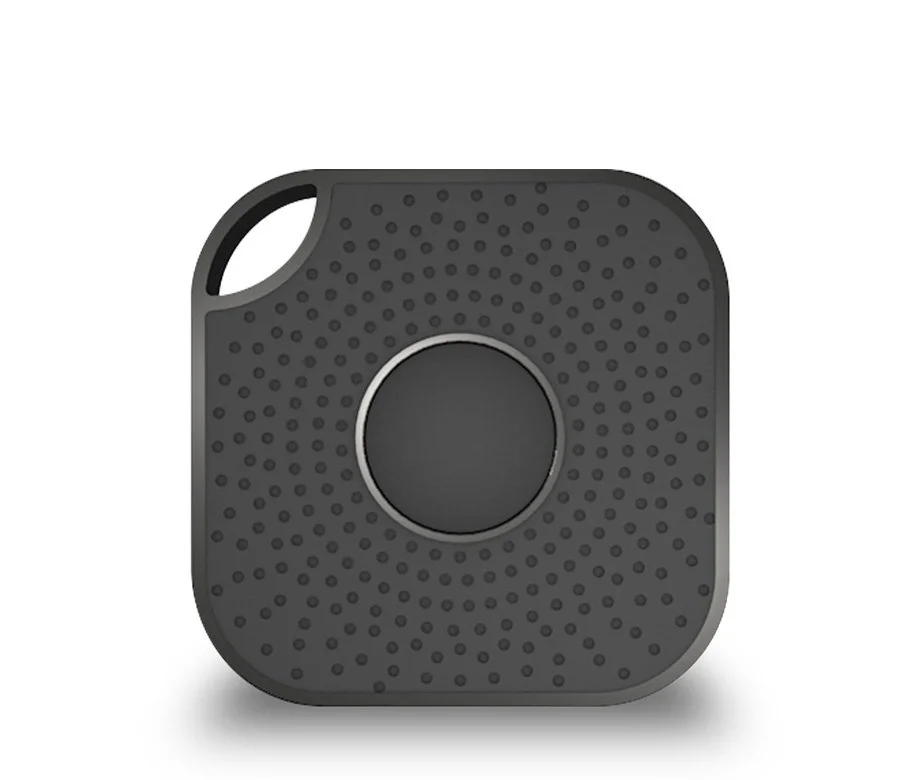
Enjoy a Blitzl subscription for one year including the convenient, compact Blitzer sensor with Blast button. Works with Blitzl app available on the App Store or Google Play Store.

Enjoy a Blitzl subscription for one year including the IP67 Blitzer sensor with Long Range. Works with Blitzl app available on the App Store or Google Play Store.
Key Features of the K-12 Blitzl Blast Button
One-Touch messaging: A single press on the lightweight Blitzl Blast button instantly initiates a silent action, sending a pre-configured default message directly to parents and other chosen contacts.
GPS & Sensor Context: Sends can also include your child’s smartphone GPS coordinates along with telemetry from the 3 closest Blitzer sensors to provide immediate spatial and location context within or around campus.
Discreet & Screen-Free: Designed to attach to a backpack, lanyard, or keychain, the tactile button offers discreet activation resistant to accidental presses while complying with classroom technology rules.



How the Blitzl Blast School Safety Network Works
The Wearable Blast Button: Compact and durable hardware that gives students immediate physical access to default messaging without handling a phone.
Fixed & Mobile Blitzer Network: GPS and available sensor infrastructure can help pinpoint location within multi-building or multi-level campus environments.
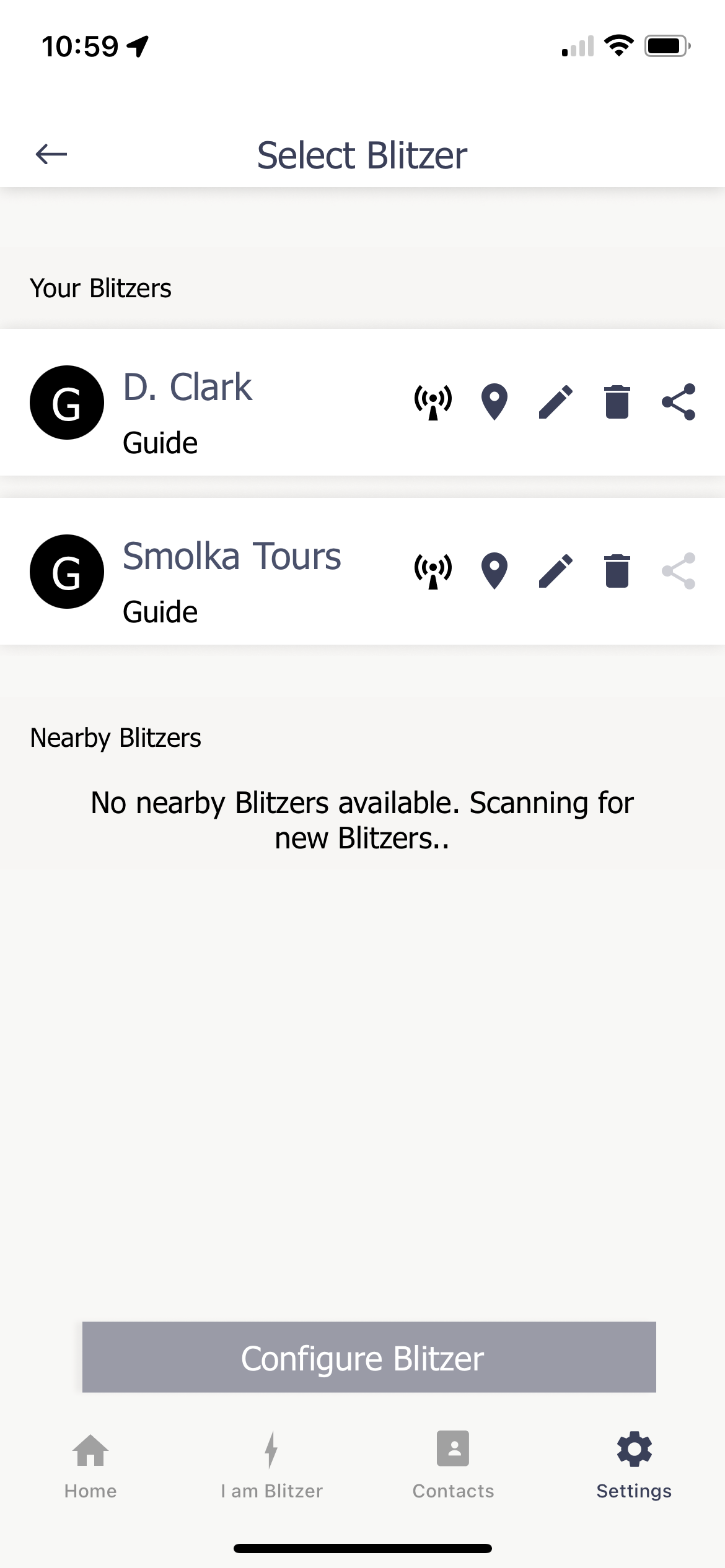
Smart Companion App: Runs on the smartphone to route messages, locations, and nearby sensor data to parents, guardians, and chosen emergency lists instantly.


Or scan this QR Code to get the App from the Apple App or Google Play Store

Frequently Asked Questions
How does Blitzl Blast work if my child's phone is put away?
As long as the smartphone is powered on and remains within Bluetooth range (such as in a nearby backpack or cubby) and is not inside a signal-blocking container, pressing the wearable Blitzl Blast button triggers the phone to silently send out the default message, GPS coordinates, and nearby sensor data to designated recipients.
Who receives the emergency notification when the button is pressed?
Through the Blitzl Blast mobile application, parents can pre-program an exact contact list—including mother, father, guardians, or local contacts—who will receive notifications and messages simultaneously.
Does Blitzl Blast require a monthly subscription?
Subscriptions include the necessary hardware and includes access to the Blitzl software platform for message routing and location poistioning. Subscriptions are available on this website.
Important Operating Requirements for Bluetooth Safety Buttons
Please Note: The Blitzl Blast physical button relies on an active Bluetooth connection to your child's powered on smartphone to transmit information through WiFi and cellular networks to parents and contacts.
Range Limitations: The system will not function if the smartphone is stored outside of Bluetooth range from where the button is pressed.
Signal Isolation: The system will not function if the smartphone is placed inside a Bluetooth-blocking or Faraday container, pouch, or locker that restricts wireless signals.
Powered On Requirement: The system will not function if the smartphone is turned off.
Ensure your child’s school phone policy permits the phone to remain within standard Bluetooth proximity and outside signal-shielding enclosures for continuous protection.